Pillar · Build AI
How to put AI into your small business
A workflow-first roadmap for owner-operators. Pick one job, baseline it, pilot beside the old way, and only then expand.
6 min read
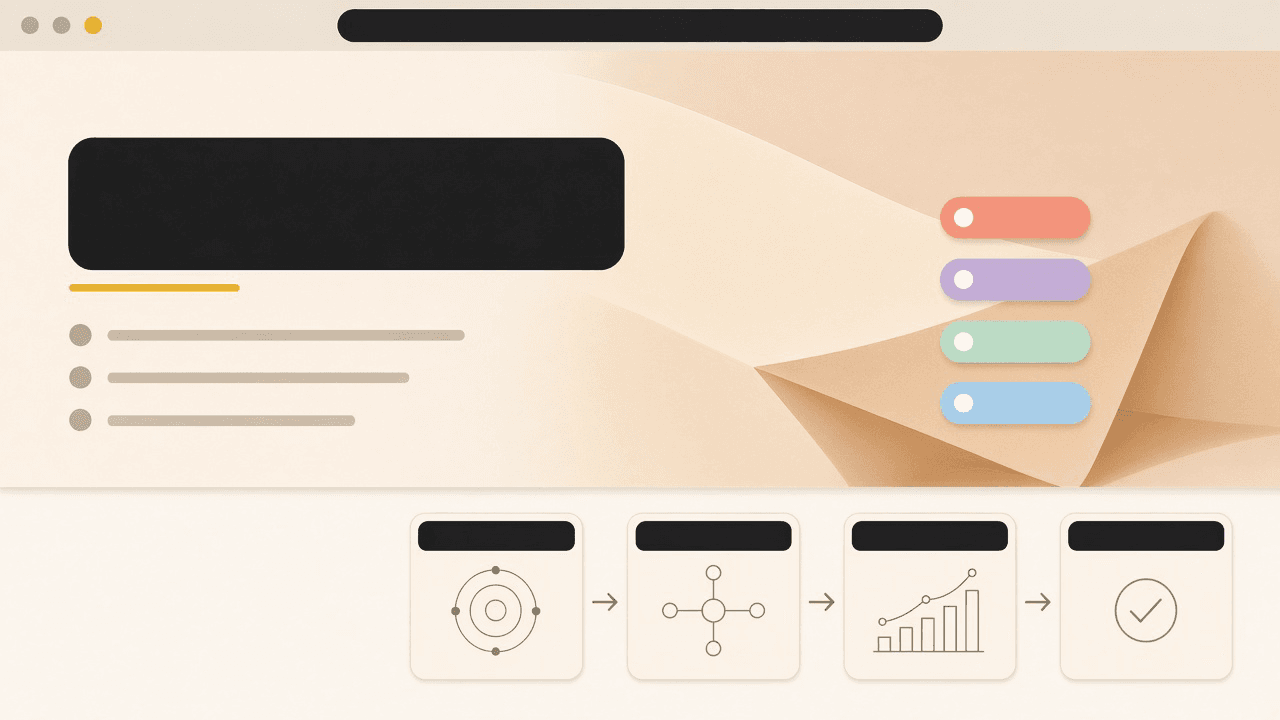
Most shops do not fail at AI because the model was weak. They fail because a license arrived before a job did. Someone bought a seat, told the team to “use it,” and six weeks later the only change was another password.
This guide is the long path in short form: start with the work you already do, change one workflow, and keep a way to stop.
In short. Put AI on a job you can name, with an owner, a baseline, and a stop rule. The tool comes after that sentence is true.
Start with the job, not the tool
Write the job in the words the shop already uses. “Answer quote requests before the lead goes cold.” “Turn a phone intake into a job on the board.” “Chase the invoices that are past thirty days.” If the sentence needs a product name to make sense, it is not a job yet.
A job has a start, a finish, and a person who knows it is done. A tool has a login. Confusing the two is how a five-person company ends up with fifteen tabs and no new capacity.
Ask three questions before you look at a vendor page:
- What work is late, repeated, or trapped in one person’s head?
- What does a finished instance look like today?
- Who is allowed to say the output is good enough to leave the building?
If you cannot answer those, you are shopping. Shopping can wait. The first-workflow guide is the scoring pass when you are ready to choose.
Assess where work already hurts
Spend a week noticing, not installing. Keep a short list on paper or in the notes app you already trust. Each time something hurts, write the workflow, who felt it, and whether a customer could see the miss.
You are looking for repetition with a shape. Quote requests that follow the same questions. Status updates that are the same four sentences. A Monday report that is copied out of three systems by hand. Those shapes are where a draft can help.
You are also looking for work that should stay human even if a draft is easy: a safety call, a price exception, a customer who is angry, a judgment that depends on a relationship. Mark those so the pilot does not swallow them.
Do this with the people who touch the work. An owner’s memory of the week and the front desk’s memory of the week are different documents. Both belong in the assessment.
Pick one workflow (pain × low risk)
Choose one. The useful pair is high pain and low damage if the pilot is wrong.
Pain means the work shows up often and someone resents it, or it slips when the shop is busy. Risk means what happens if the draft is bad. An internal summary that a person still edits is low risk. A customer email that sends itself is not. A number that hits accounting without a check is not.
Refuse “while we’re at it.” A second workflow feels efficient and splits the only attention you have. The AI Pilot Checklist is one page for this choice: name, pain, risk, baseline, window, success, stop, owner, data notes.
If two workflows tie, pick the one whose output you can compare side by side with the old way in under two weeks. Comparison is the point. A pilot you cannot compare is a vibe.
Baseline before you change anything
Write down how the work goes today, on real instances, before the new path exists. You do not need a dashboard. You need a few honest lines:
- How long a typical instance takes, from trigger to done.
- What rework looks like. Keep examples: the quote that missed a line, the intake that had to be called back.
- Where the finished thing lives now.
Do not invent a percentage you hope to beat. A baseline is a description of the current week. If you skip it, every later conversation becomes a story. Stories are easy to believe and hard to decide with.
Five to ten instances is enough for a small shop. If the work is rare, you do not have a pilot yet. You have a someday.
Shadow-mode pilot (1–2 weeks)
Run the new path beside the old one. The old path still finishes the job. The new path produces a draft a person can accept, edit, or ignore. Nothing customer-facing leaves without that checkpoint.
One to two weeks is long enough to see a pattern and short enough that the team will still tell you the truth. Longer pilots become the new normal without a decision. The shadow-mode guide covers how to set the checkpoint and what to write down each day.
During the window, the owner looks at outputs, not at how impressed anyone is. Impressed is not a result. A draft the front desk will actually send, after a small edit, is a result.
Name an owner and a one-paragraph data rule
Every pilot needs a name, not a department. The owner is the person who can explain an output and who can turn the workflow off. If that person is “the team,” the workflow will drift the first week someone is on a job site.
The data rule fits in a paragraph. What customer information may pass through the tool. What may not. Where files live afterward. Who is allowed to paste a contract, a medical note, a card number, or a child’s details into a chat box. For most shops the honest rule is short: ordinary job notes may go in; payment data, credentials, and anything you would not email to a new hire may not.
If you cannot name an owner because nobody has the hours, that is a capacity fact, not a character flaw. It is also the moment to talk about Managed AI instead of pretending the pilot will run itself.
Decide: keep, revise, or stop
At the end of the window, pick one:
- Keep. The checkpoint holds, the owner can explain the output, and the people who do the work would rather have the draft than not.
- Revise. The job was right and the handoff was wrong. Change the prompt, the source files, or who reviews — then run a shorter second window. Do not quietly expand.
- Stop. The risk showed up, the draft created more cleanup than it saved, or nobody will own it next month. Stopping is a successful pilot. You learned where not to spend the next quarter.
Write the decision in a few sentences where the team can see it. A decision that lives only in the owner’s head will be relitigated every time a new tool launches.
Only then expand
Expansion means a second workflow, or the same workflow with a wider group, after the first decision is keep. It does not mean buying seats for people who were not in the pilot. The failure mode to avoid is license first, habit never. That pattern gets its own note in the measurement guide: what to count without fake ROI.
When the kept workflow needs memory across sessions, more than one teammate, or a screen the shop actually works in, that is a stack question. LaunchpadOS and the plans that carry it live on arcasya.ai. This page will not price them. If you want a person to look at the week with you before you pick a plan, book a Free AI evaluation.
Bring the checklist. The call is more useful when the workflow already has a name.
Keep going
- Pick the first workflow: pain × low risk
Inventory the work that already hurts, score what happens if a pilot is wrong, and choose one workflow. Leave the second one for later.
- Shadow-mode pilots in one to two weeks
Run the new path beside the old one, compare outputs, and keep a human checkpoint before anything reaches a customer.
- What to measure without fake ROI
Track time on the task, the errors you can point to, and whether operators trust the draft. Leave invented percentages off the page.